How to add a dataview query to Obsidian Publish
Dataview is not supported within Obsidian Publish. However, there is a way to add a table which is updated along with your site through the use of Templater. I wouldn’t say this is THE definitive guide to doing this, but offers some tips based on what I found useful in implementing on my site.
- Start with a dataview query that shows your desired outcome
- Create a template called something like ‘Update Obsidian Publish’
- Put the following code within the template file, but do not run anything yet. You will need to update the Queries section with the dataview query/queries that you want to run.
-
Once finished, you’ll want to create the note within your site’s hierarchy for each of your queries. The note can be empty, but I prefer to create it first so that it is created where I want it in my site (I keep mine in a hidden folder). Note that the file does need to sync with obsidian publish, even if it’s hidden, for it to transclude properly.
-
Transclude the note where you want it to appear on your site. This is done by linking to a note with double brackets and then putting a exclamation point at the beginning of the link (see image below).
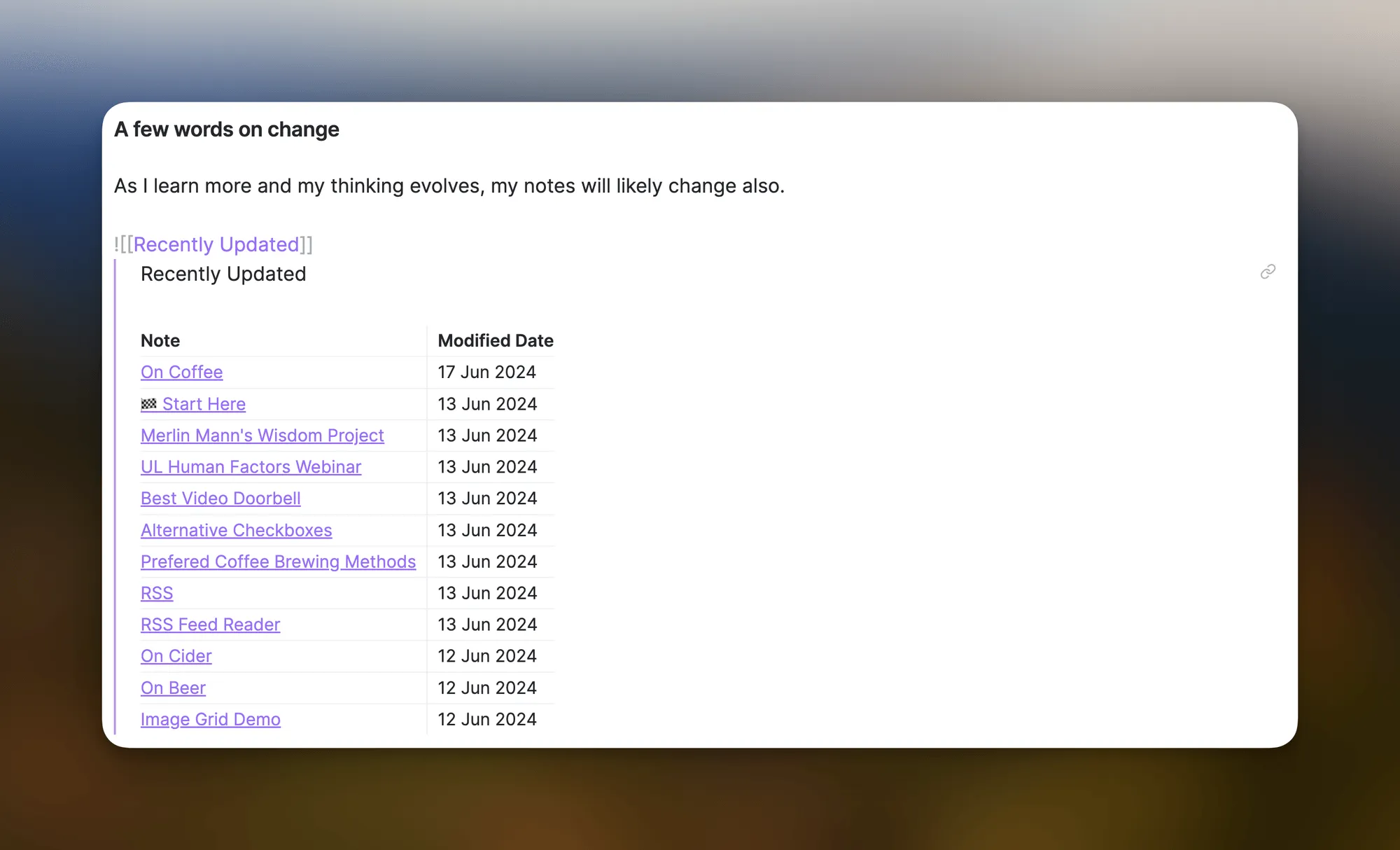
-
When syncing to site, be sure to do so by running the Templater template.
Works Cited
1 min readCreated Edited